Case and people records
Manage cases, parties, representatives, witnesses, and relevant roles.

WorkplaceFindings brings cases, people, allegations, interviews, evidence, tasks, findings, audit history, and reporting together in one secured Windows workflow.
Separate secured accounts · Encrypted local storage · Signed Windows installer
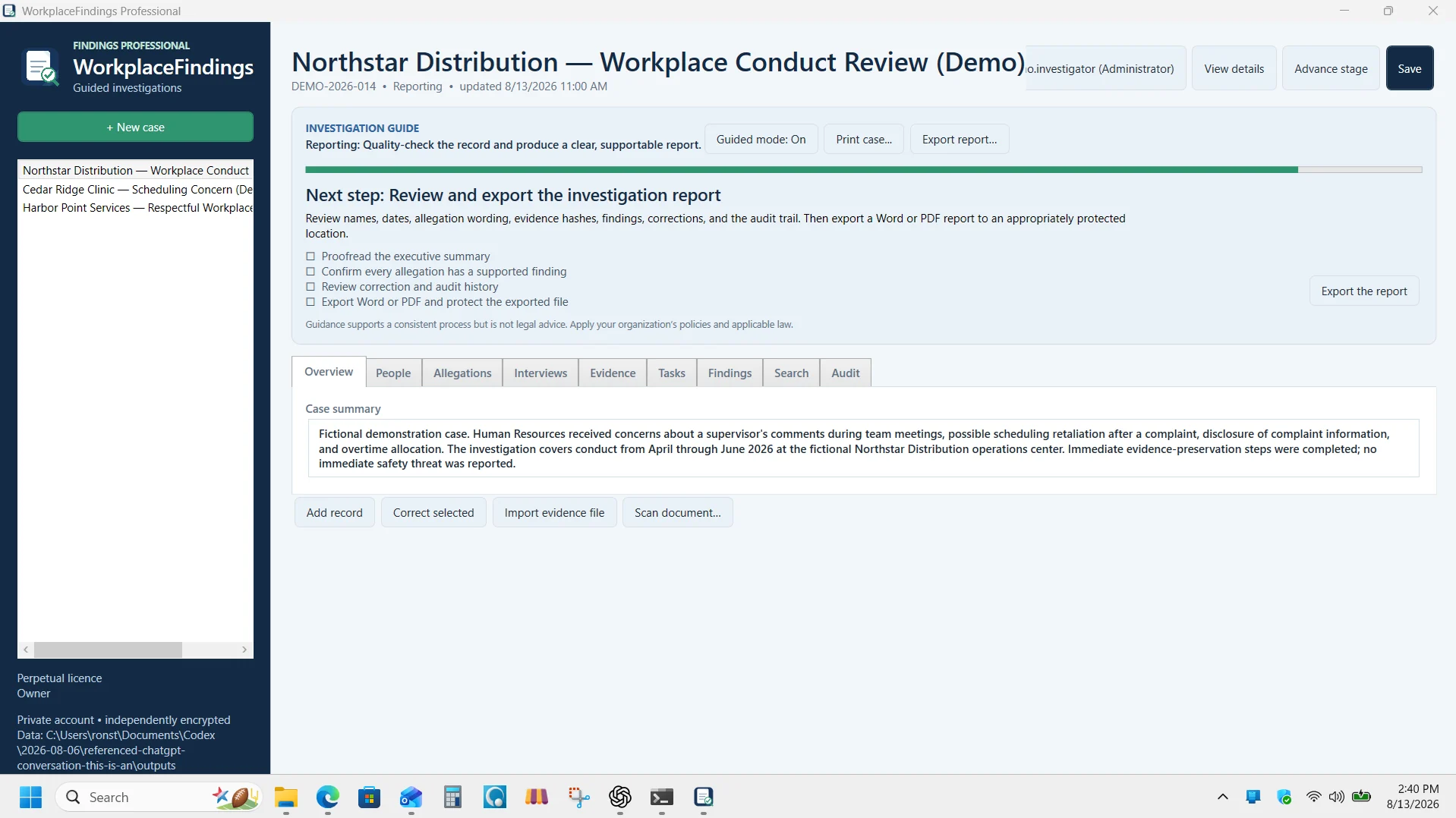
The overview demonstrates the guided case workspace and shows how people, allegations, evidence, findings, audit history, and reporting fit together in an investigation.
Manage cases, parties, representatives, witnesses, and relevant roles.
Structure allegations, prepare interviews, and retain investigation notes.
Import files and scanner output while retaining source and integrity information.
Track work, assess allegations, document findings, and retain correction history.
Generate professional reports for review and distribution.
Find selected-case information and review significant activity.
Workplace investigations can generate allegations, interview notes, evidence, tasks, findings, and reporting material at different times. WorkplaceFindings keeps those records organized around the investigation rather than scattering them across unrelated files.
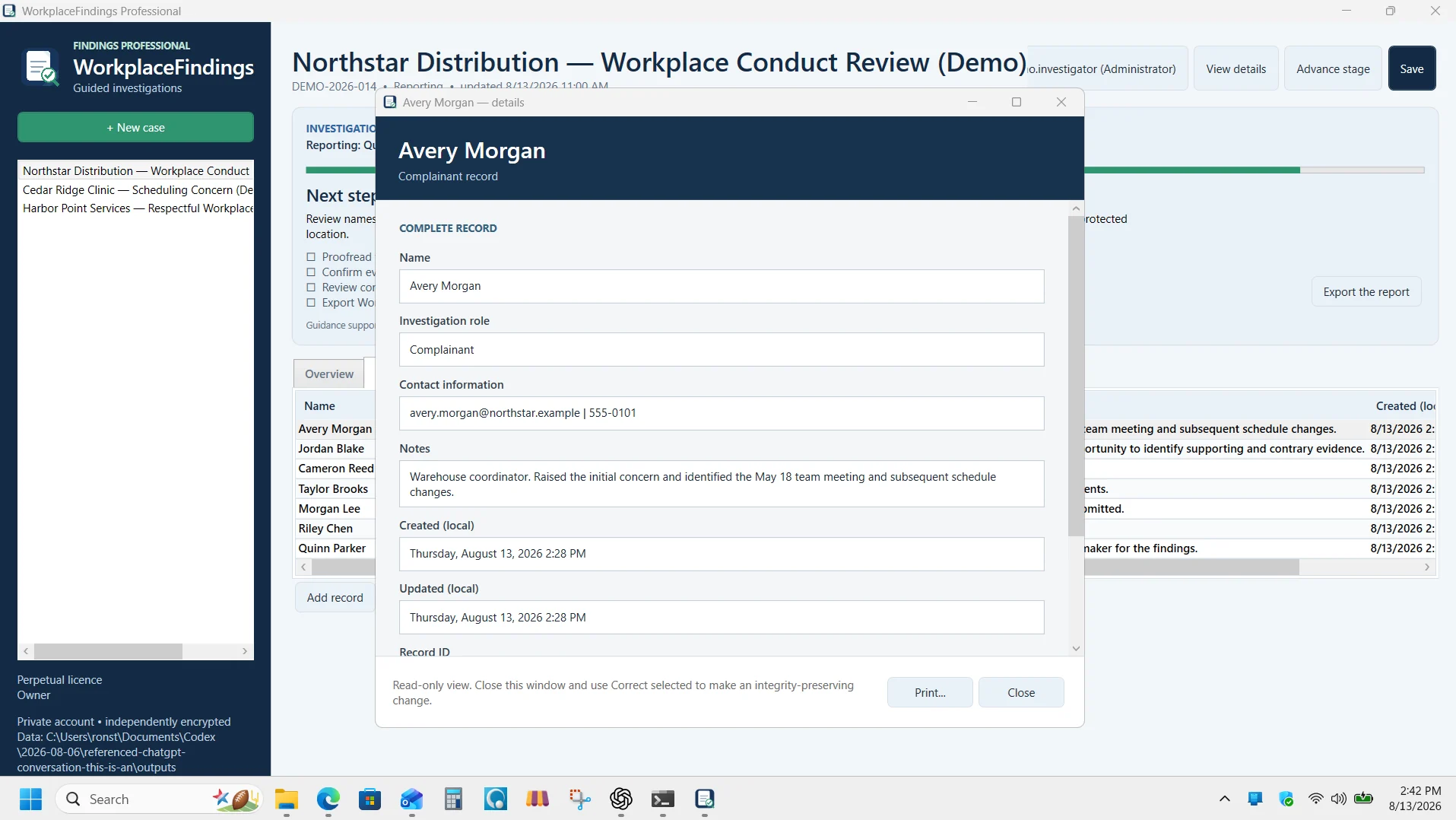
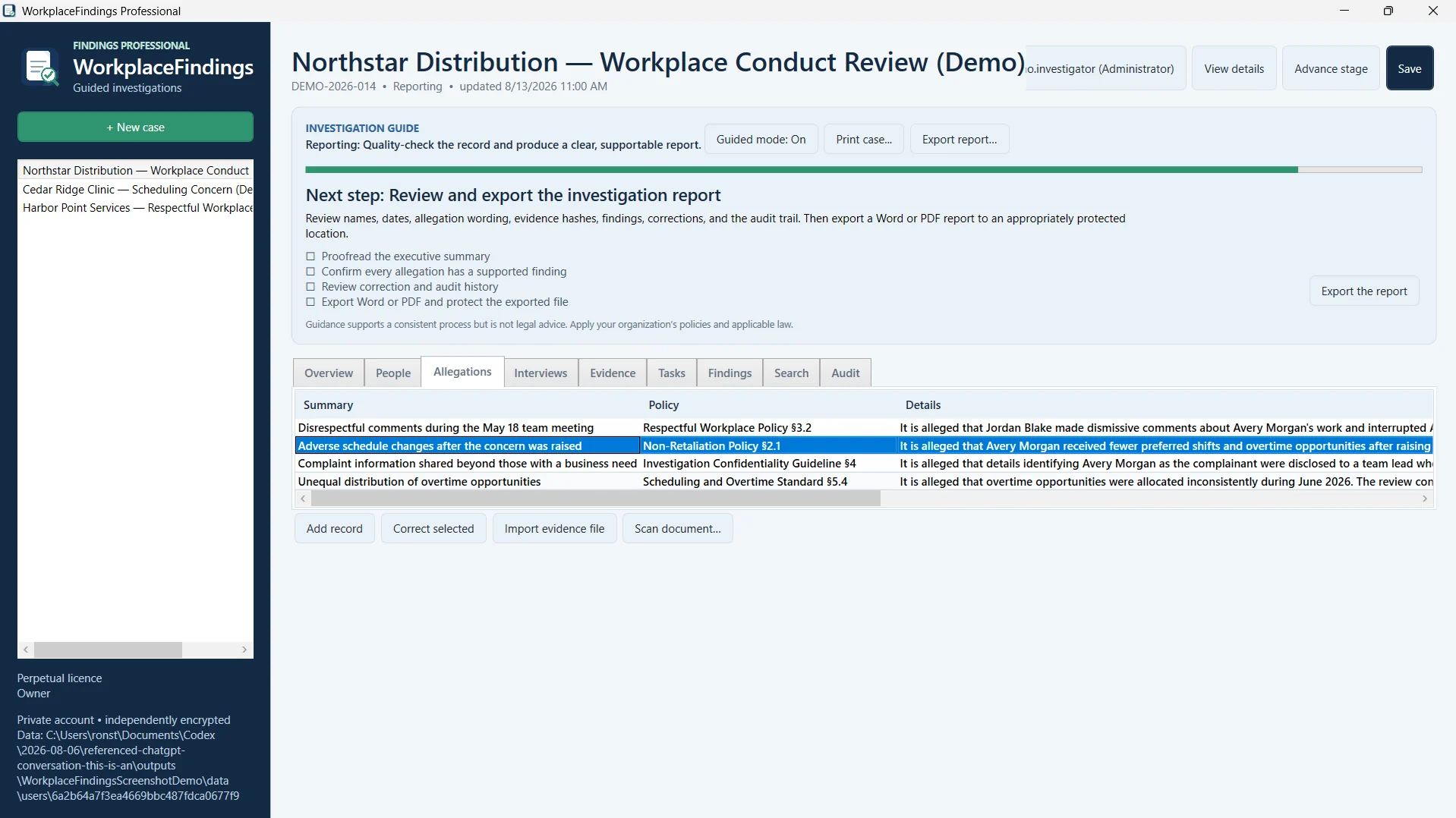
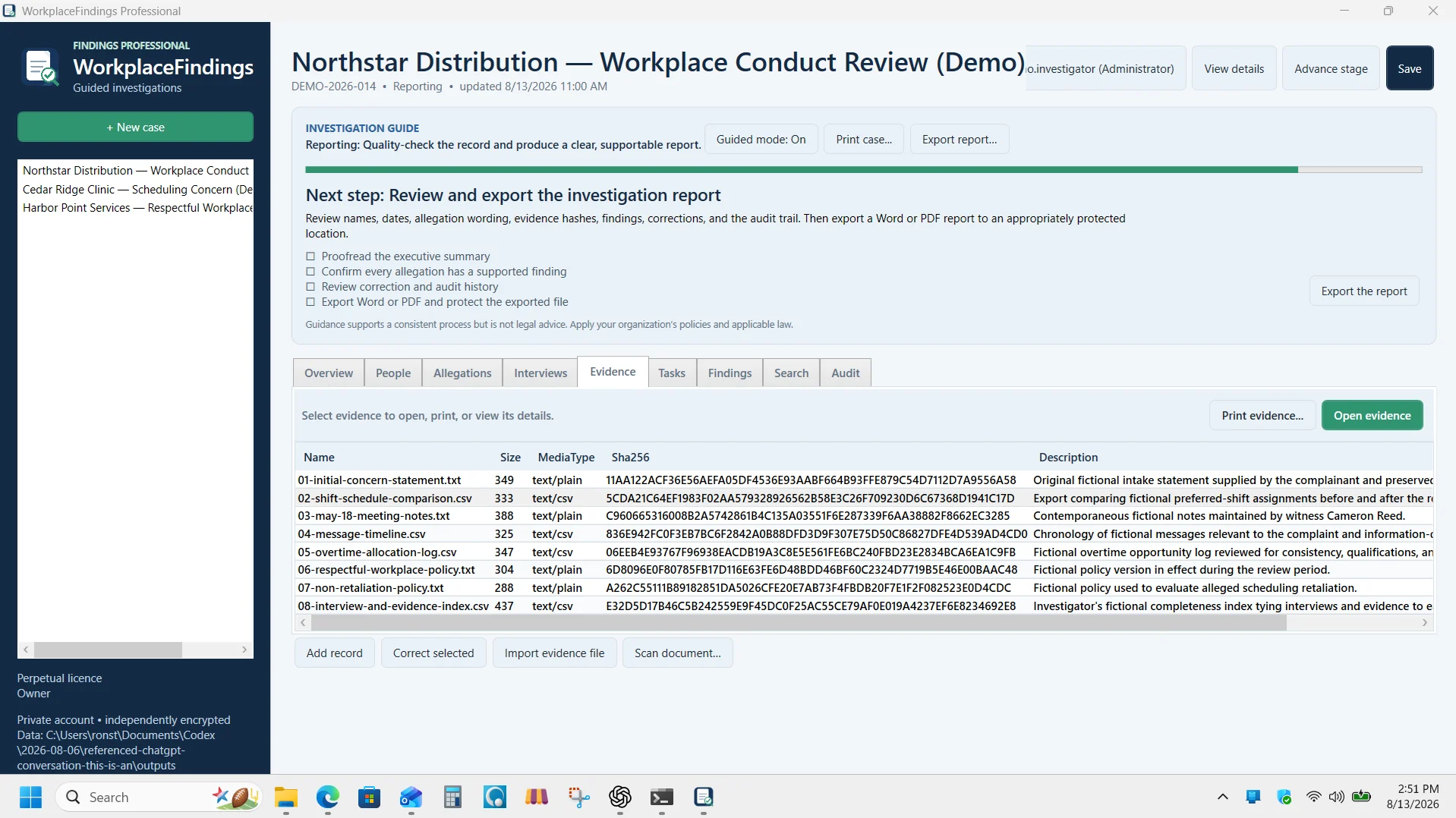
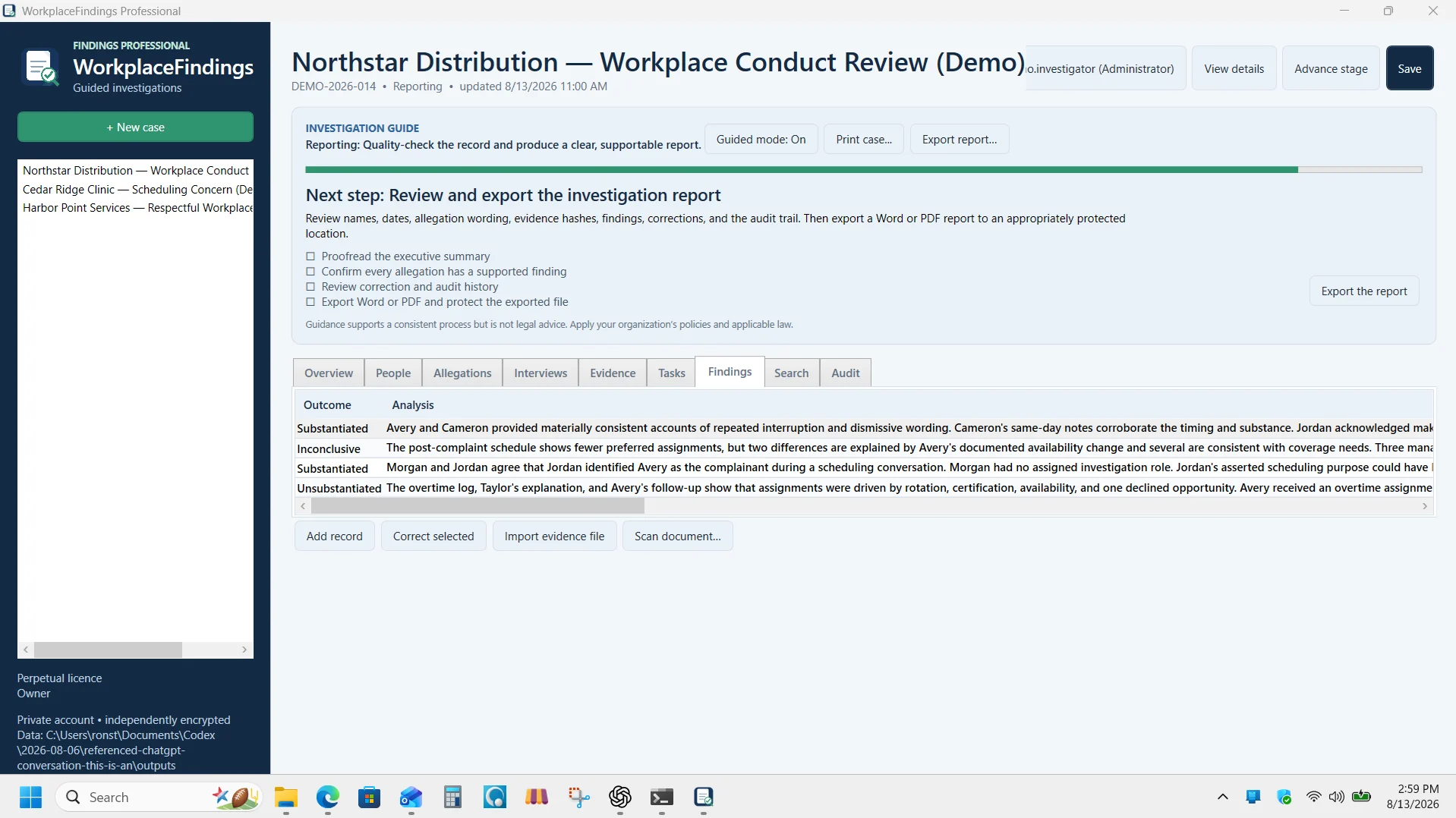
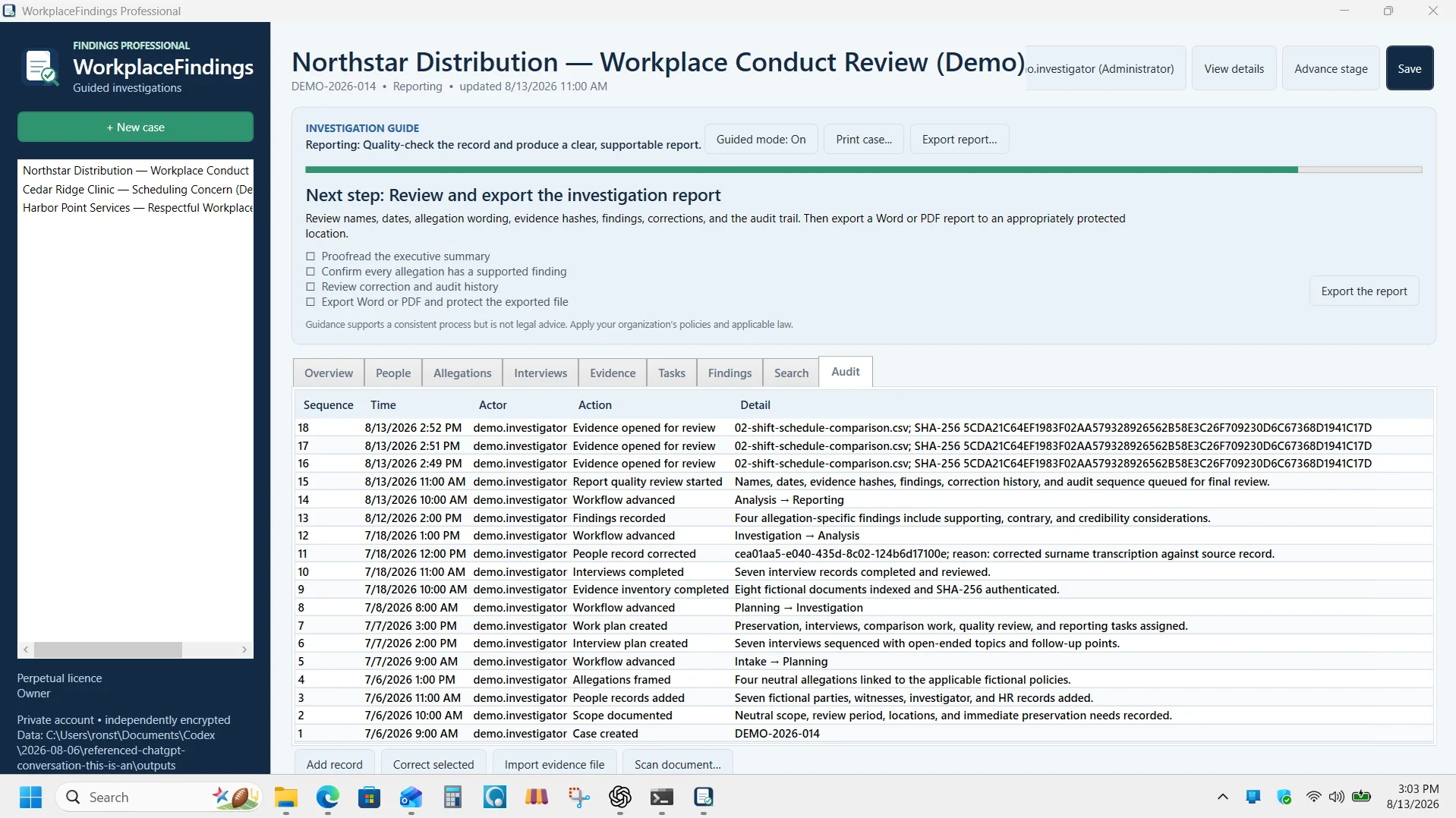
Guided mode explains what belongs in each stage and what may need attention next. It does not replace professional or legal judgment.
Record the concern, mandate, dates, confidentiality requirements, and plan.
Separate issues and connect the relevant parties and witnesses.
Prepare interview topics, preserve notes, and intake relevant material.
Document findings, review history, and produce the report.
Use these resources independently or alongside WorkplaceFindings Professional. Enter your email once to unlock all Tervalum downloadable professional resources on this browser for 12 months.
A practical opening-stage checklist for preserving information, confirming responsibility, and creating an initial plan.
View and downloadA printable two-page form for collecting a clear written account and retaining statement details.
View and downloadWorkplaceFindings Professional is a Windows application for one licensed computer. Review the installation information before purchase.
$795 one-time for one licensed computer. Authorized users may create separate secured application accounts on that computer.
Working investigation records are kept in encrypted local storage. Guided Mode supports workflow but does not replace professional or legal judgment.
Review the release verification, support information, and refund policy before checkout.
No. It is a Windows desktop application with encrypted local case storage on the licensed computer.
Authorized users may create separate secured application accounts on the licensed computer.
No. The licence is $795 one-time for one licensed computer.
No. Guided Mode supports workflow and prompts the investigator about case stages; it does not replace professional or legal judgment.
Yes. The product overview video and demonstration screenshots on this page show the actual guided workflow and major case screens before purchase.
One-time perpetual licence for one licensed computer. Authorized users may create separate secured application accounts on that computer.
Open secure checkout