Create an assessment
Set up an engagement and work through the structured assessment record.

FieldFindings keeps scope, observations, photographs, evidence, findings, recommendations, corrective actions, and reporting connected in one Windows workflow—from fieldwork to the client deliverable.
14 days · Starts on first launch · No activation key during the active trial · $795 one-time if you keep it
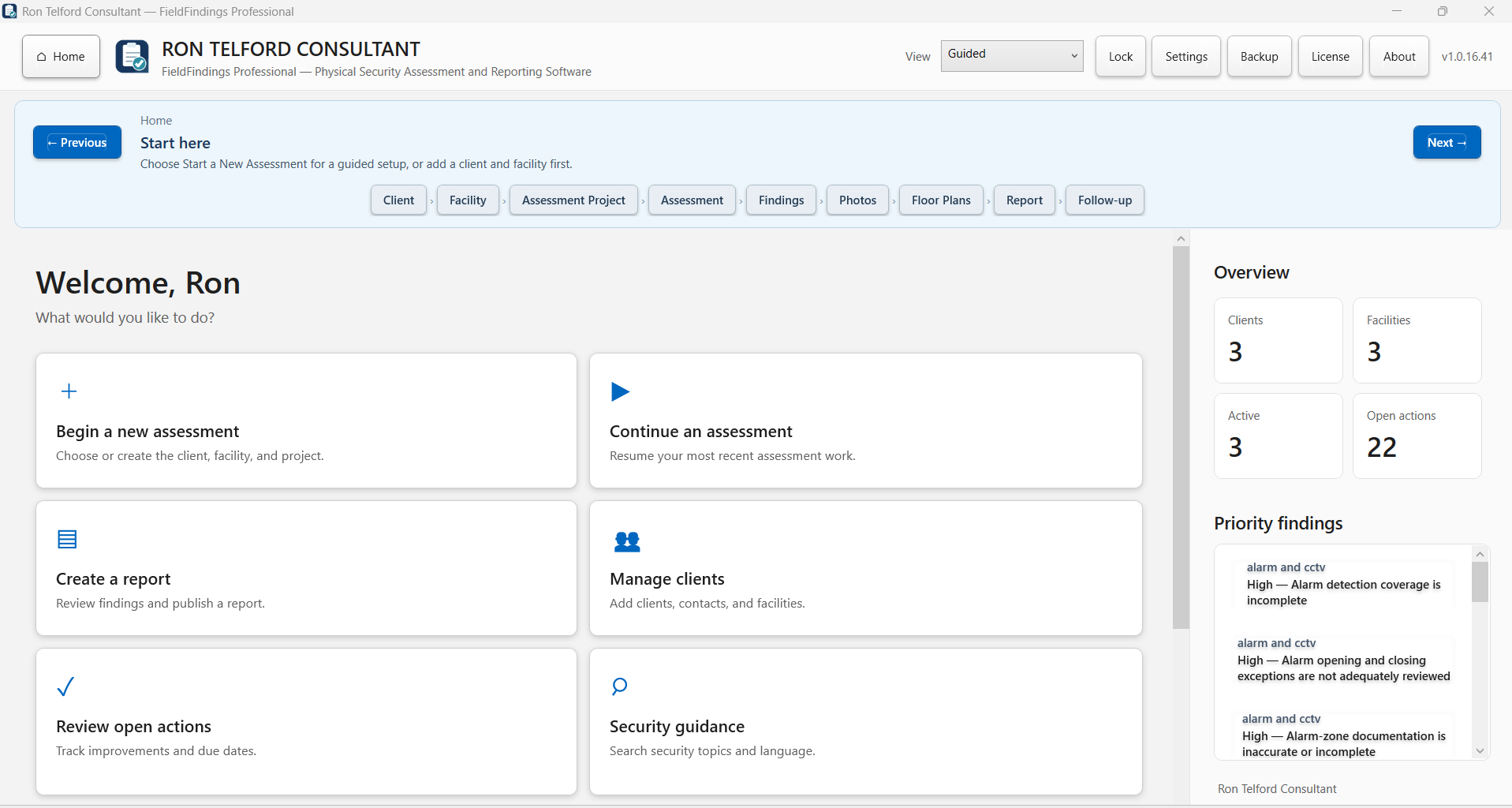
See how FieldFindings organizes assessment work, evidence, findings, corrective actions, and reporting.
The overview demonstrates a structured FieldFindings assessment workspace and shows how assessment information progresses into findings, corrective actions, and reporting.
The trial starts on first application launch and does not require an activation key while it is active. Use the evaluation period to test the workflow against the way you actually conduct assessments.
Set up an engagement and work through the structured assessment record.
Add observations, photographs, files, and supporting context.
Connect conditions, risk context, recommendations, and corrective actions.
See how the working record moves into the reporting workflow.
144C97C3CEE091C30F59EC9598F5BA55C46A3750036EB104EB339968FD769F17 · valid Authenticode signature. The commercial release is separately versioned and currently 1.0.16.42E1.
Structure scope, questions, observations, and assessment records.
Connect conditions, evidence, risk context, photographs, files, and recommendations.
Assign and track remediation activities.
Create consistent assessment deliverables without rebuilding reports from scratch.
Protect and restore working data through the application's controlled backup workflow.
Purchase once for one activated computer, with routine offline use following activation.
FieldFindings is designed for the point where assessment information can become fragmented across notes, photographs, findings documents, and follow-up lists.
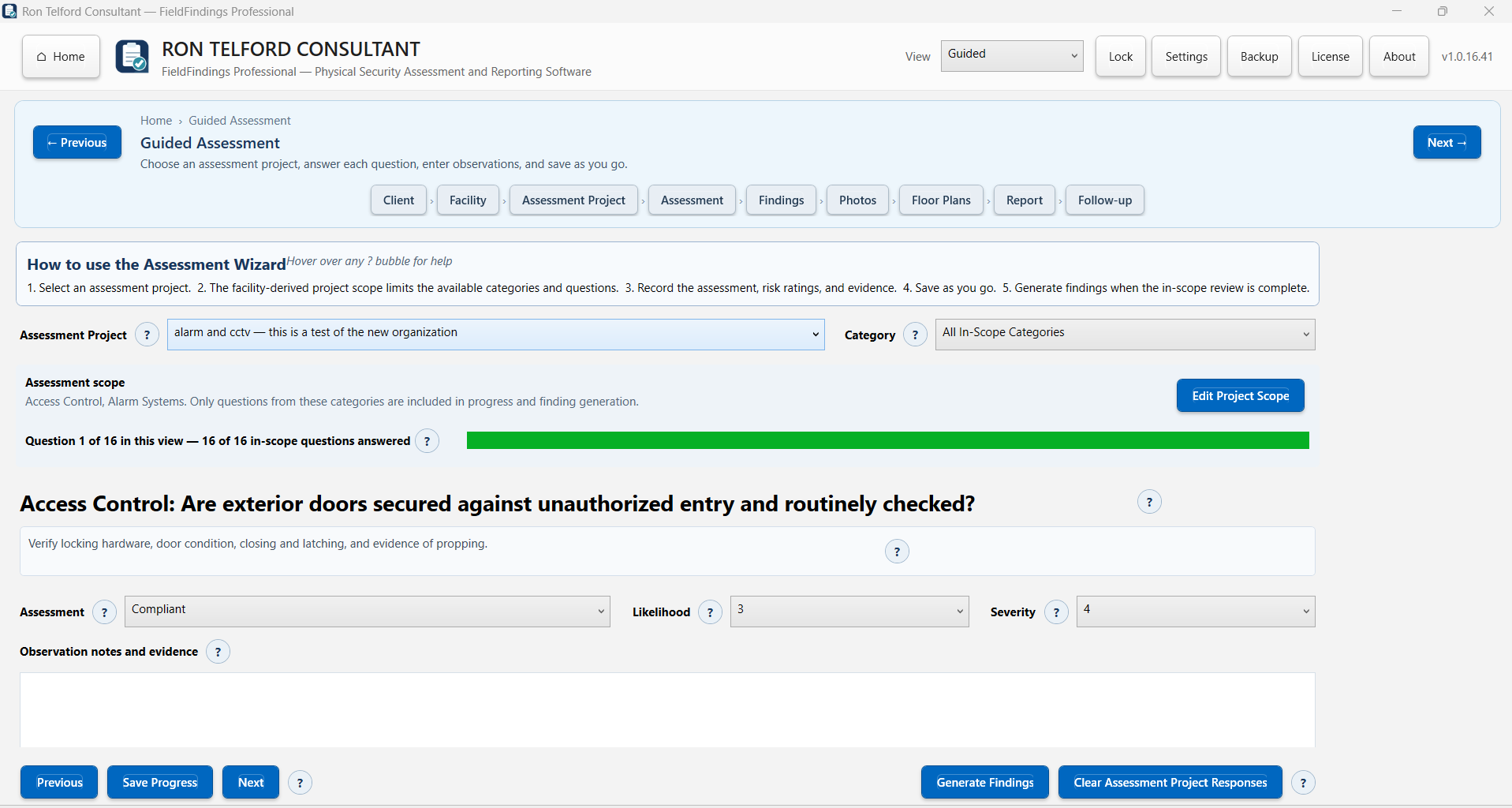
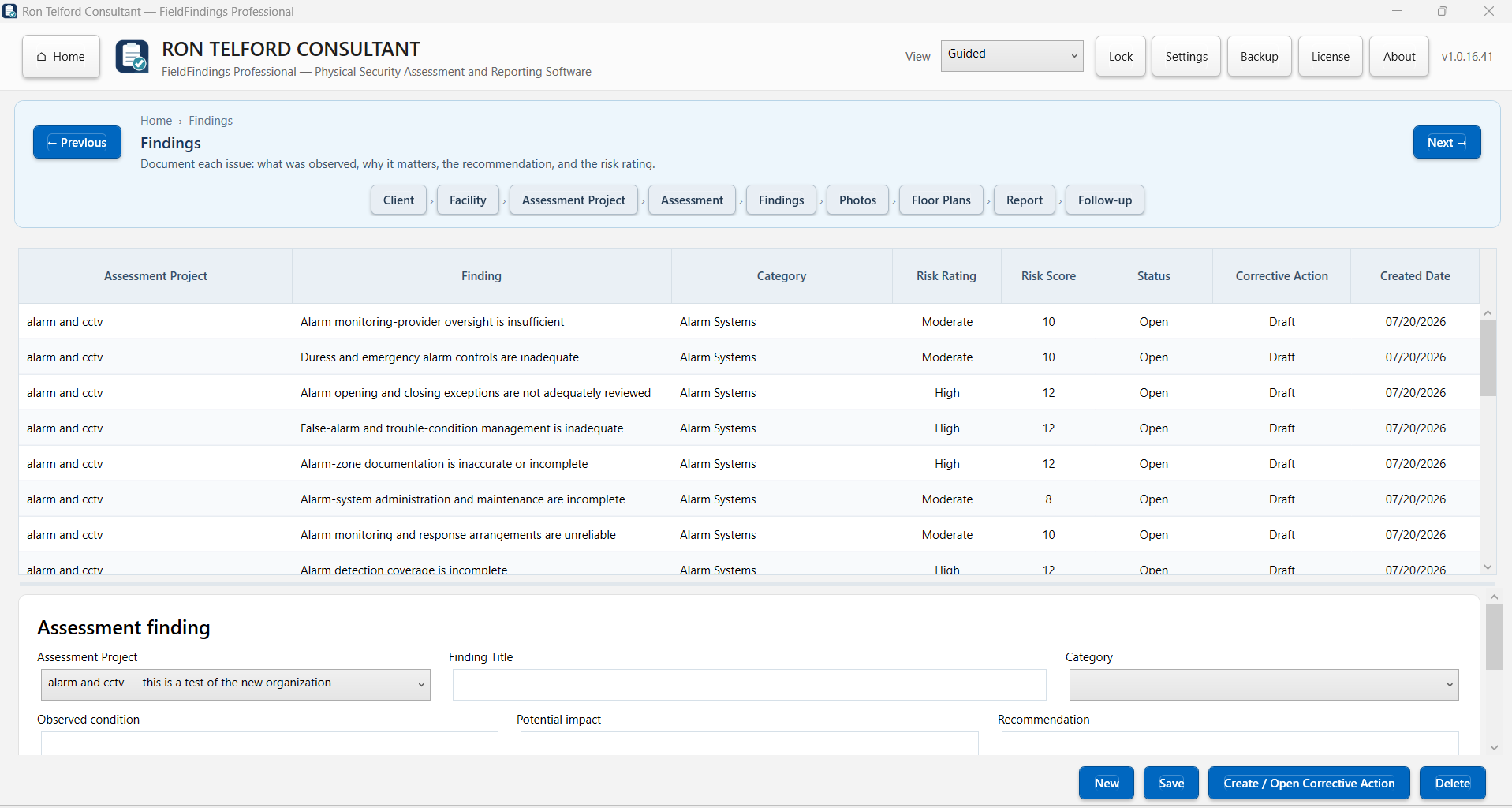
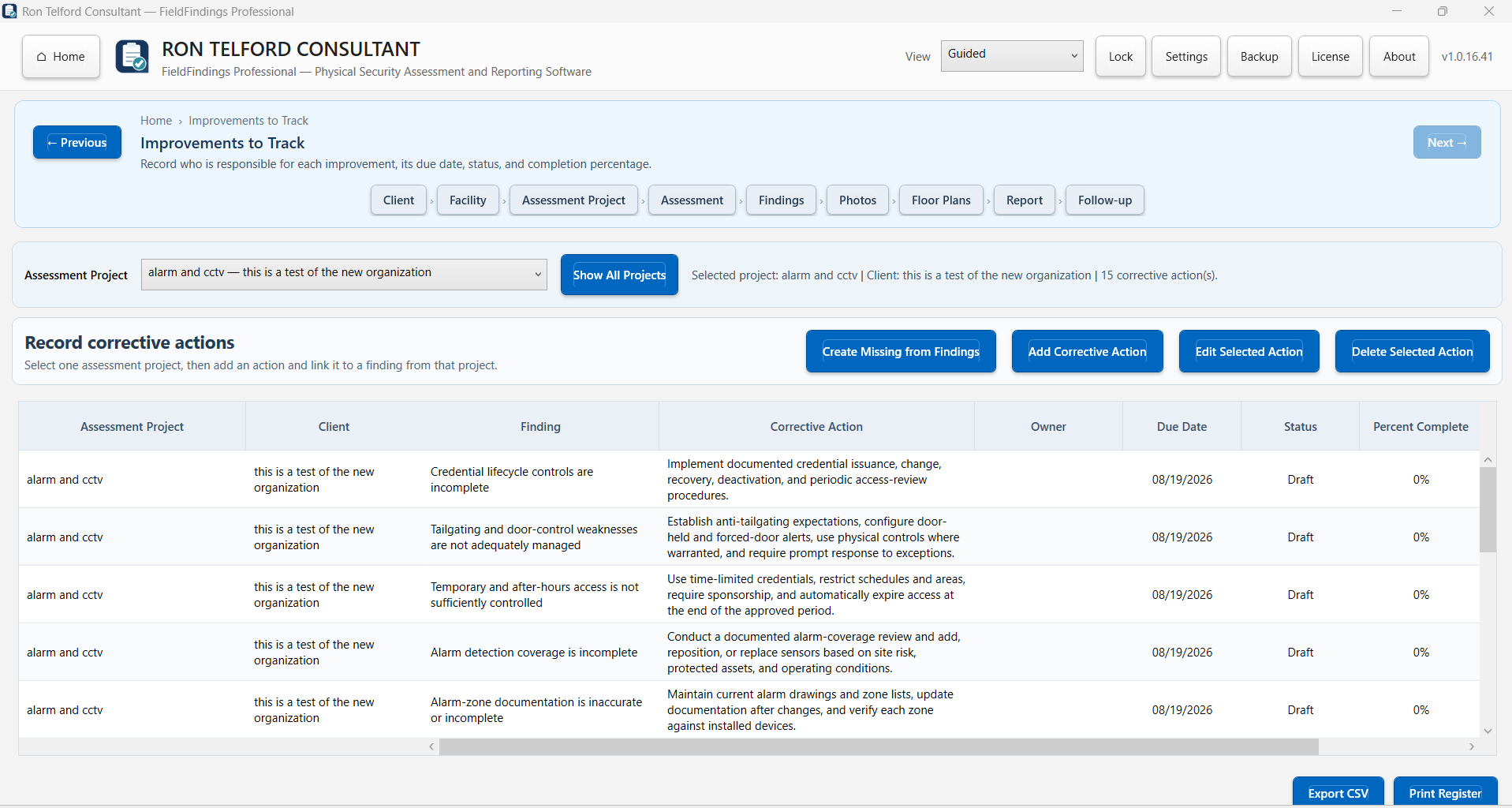
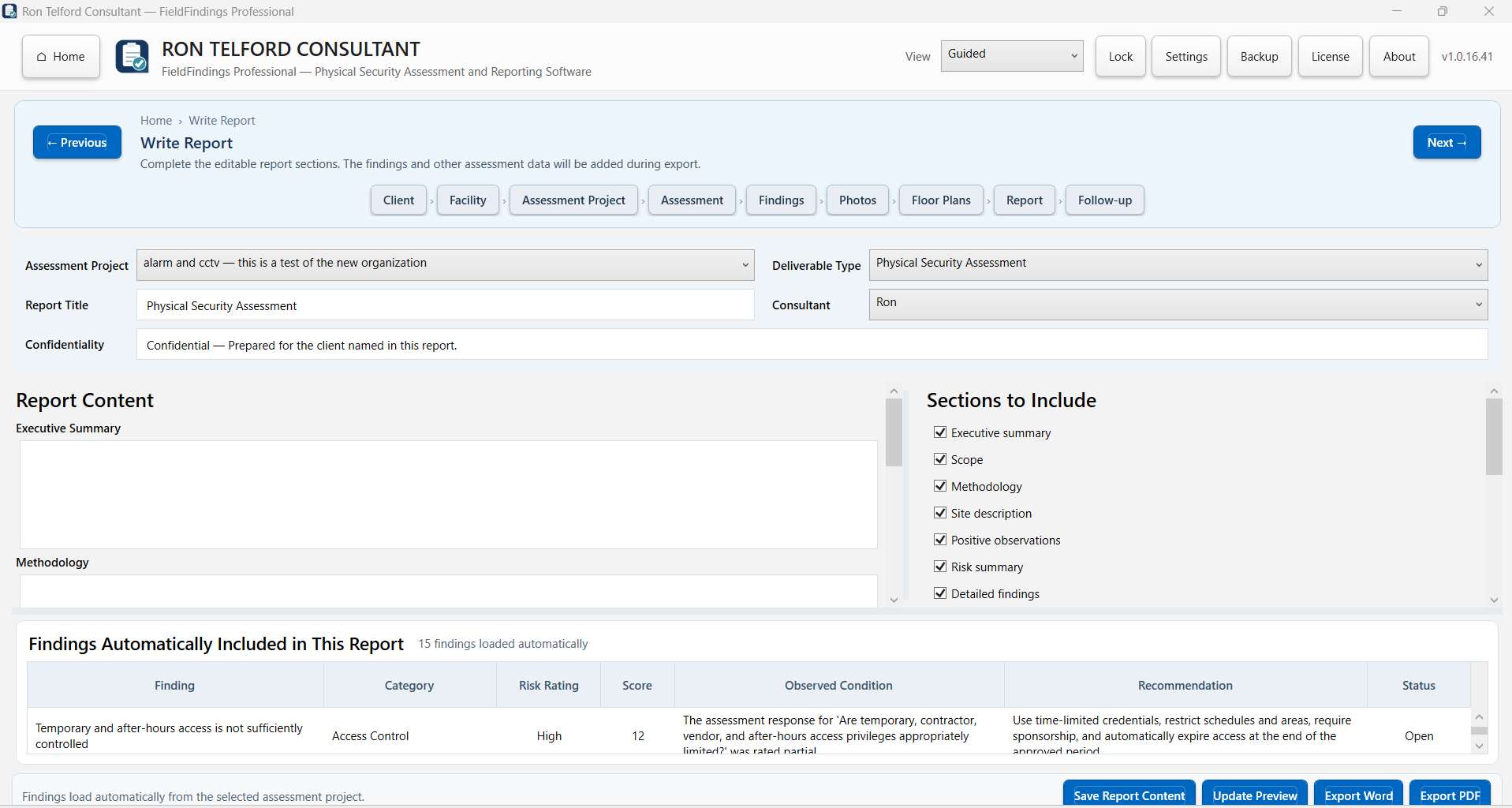
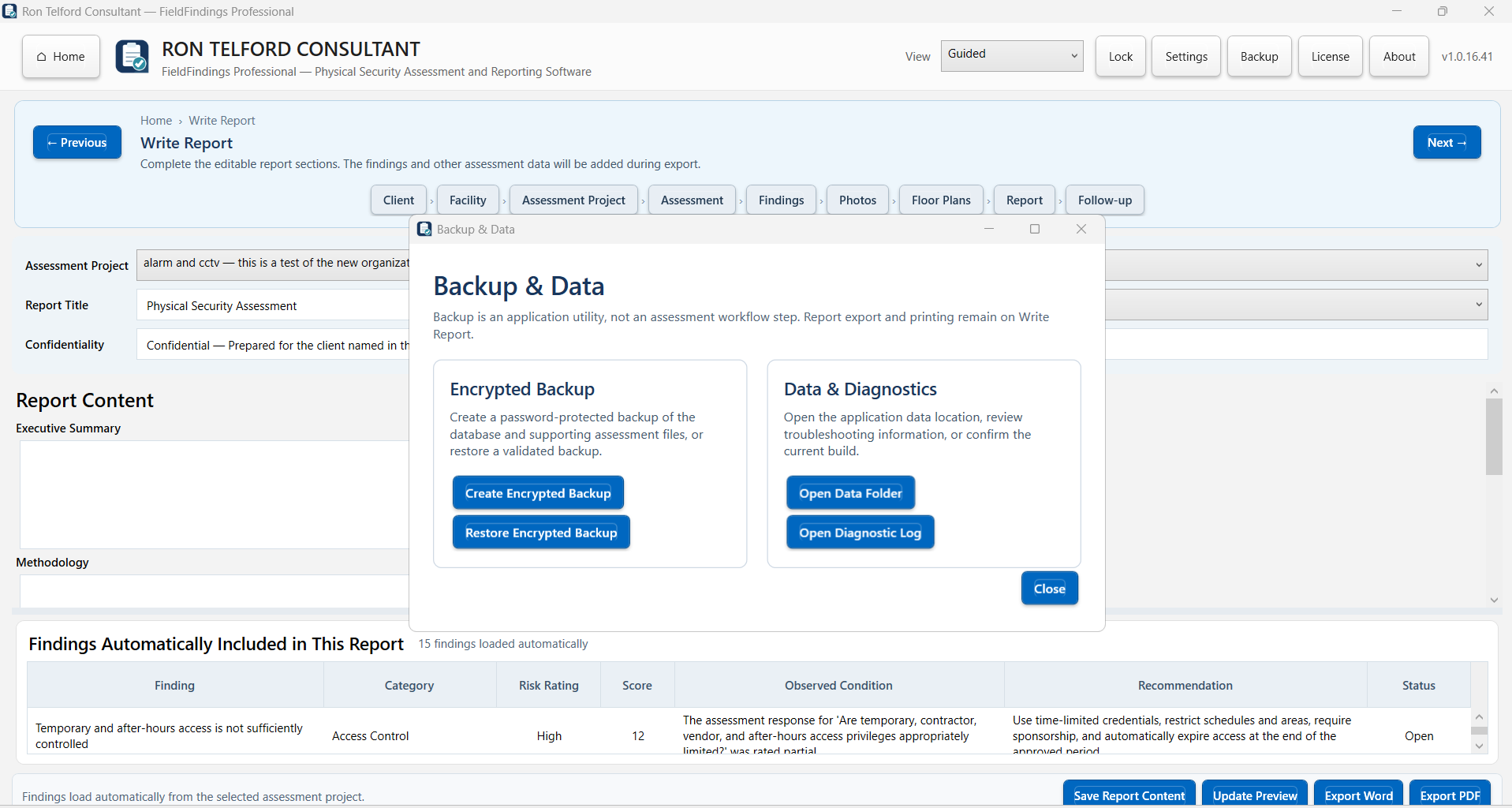
Create the assessment and establish scope.
Use structured questions and record observed conditions.
Connect evidence, risk statements, and recommended actions.
Generate reports and track corrective-action progress.
Use these resources independently or alongside FieldFindings Professional. Enter your email once to unlock all Tervalum downloadable professional resources on this browser for 12 months.
A four-page field checklist for recording conditions, evidence references, priorities, and follow-up needs.
View and downloadA two-page form for keeping assessment photographs connected to location, context, filenames, and findings.
View and downloadFieldFindings Professional is built for Windows 10 or later. Review the installation requirements before purchase.
$795 one-time. No subscription. The perpetual licence is for one activated computer.
Core working records remain in the customer's Windows environment. The application includes an encrypted backup workflow and supports routine offline use after activation.
Review the release verification, support information, and refund policy before checkout.
The trial begins on the first application launch, not when the installer is downloaded.
No. An activation key is not required while the 14-day trial is active.
Normal application workflows no longer initialize. The purchase/licensing path remains available if you decide to continue.
No. It is a Windows desktop application. Core working records remain in the customer's Windows environment.
No. The commercial licence is $795 one-time for one activated computer.
No. FieldFindings organizes the assessment workflow; the professional remains responsible for the assessment and its conclusions.
$795 one-time. No subscription. Perpetual licence for one activated computer.
Evaluate it first: download the 14-day trial and use the FieldFindings workflow before deciding to purchase.